


AFKSpin App Mobile
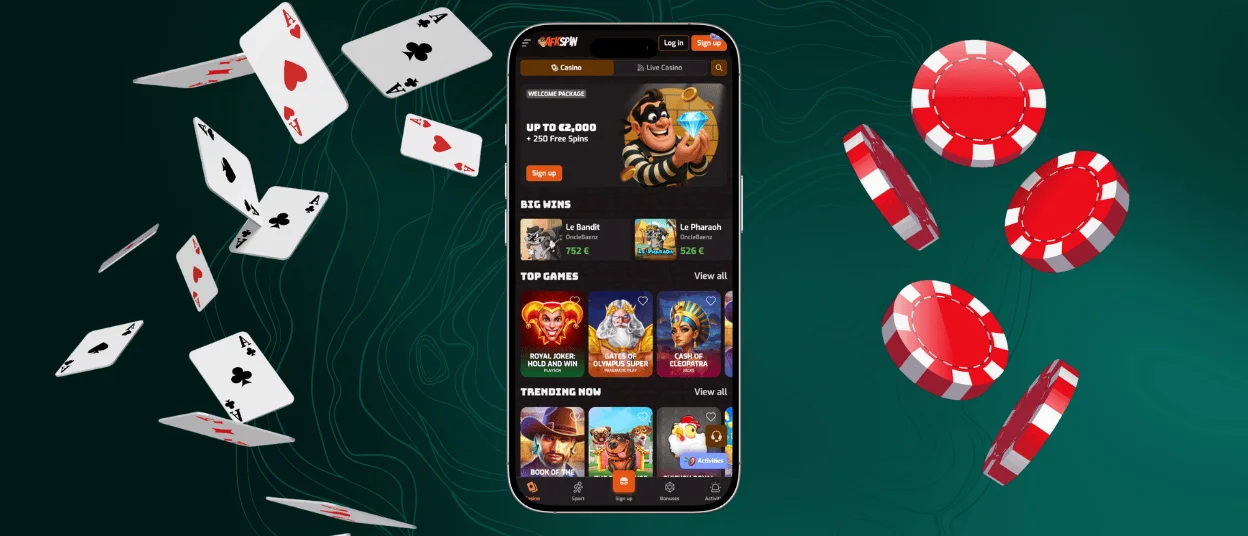
AFKSpin app works as a Progressive Web Application (PWA) that lets you open our lobby just by tapping an icon on your home screen. It gives you quicker access to 6,000+ titles via a mobile device, with slots, live dealer tables, and such classic games as roulette and blackjack.
The AFK Spin app is an excellent solution for players who want quick sessions on the go. It opens in full screen. It keeps menus simple and loads games fast on modern browsers. Besides, AFKSpin Casino keeps your wallet, bonuses, and support tools in one place, so you do not need to create separate casino accounts for desktop and mobile.



AFK Spin Casino Web for Windows and Mac
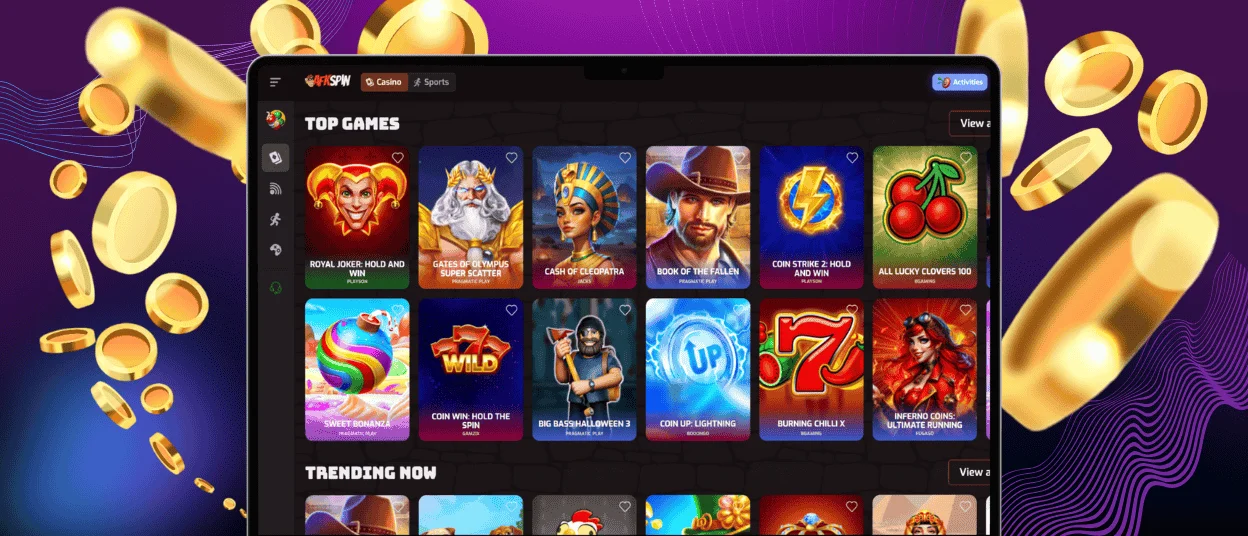
The main web version of our website allows for a seamless gaming experience on Windows and Mac devices. However, for greater convenience, you can use our PWA not just on your smartphone but on a laptop or PC as well.
This AFKSpin application runs in its own window and launches like a regular program. You can also pin the AFK Spin application to your taskbar to reach the lobby in one click.
Follow these steps to install it on Windows or Mac:
- Open our home page in your browser.
- Click an icon with the downward arrow in the address bar.
- Tap the installation button to launch the process.
The PWA updates automatically when you open it. It also gives you direct access to live chat, account verification, and your transaction history. AFKSpin keeps these tools inside the same interface, allowing for easy access to all the information you might need.
Advantages of the AFKSpin Casino App
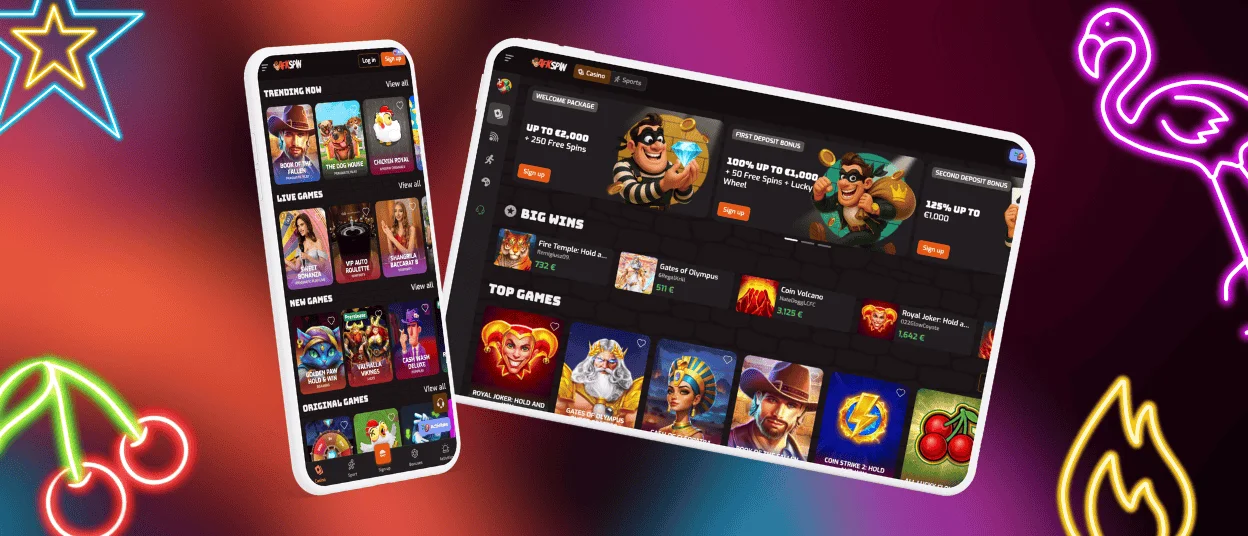
Both the app and the website deliver the same core product. The difference is how you access it and how it feels during playtime. The app suits mobile-first use and short sessions. The website works well for players who prefer a browser tab on a larger screen.
| Feature | AFKSpin App | AFK Spin Website |
| Access | Open from your home screen or taskbar without opening the browser | Open in any browser on Windows or Mac |
| Speed | Fast loading and smooth performance thanks to HTML5 optimization and caching | Stable visuals on desktop with full browser controls |
| Interface | Touch-friendly layout with swipe navigation and auto-rotation | Full-screen view that supports multitasking and multiple tabs |
| Support | Live chat opens inside the app | Help Center access through the website, with chat and email options |
| Play style | Best for quick sessions when you have a reliable connection | Best for longer sessions and extended navigation |
| Account tools | Manage deposits, withdrawals, bonuses, and verification while you play | Use detailed menus for full account management |
How to Install the AFKSpin App on an Android Device?
Android installation takes only a minute and does not require Google Play. After you add it, the AFKSpin app appears on your home screen like any other shortcut.
- Open the website on your mobile device.
- Add the casino icon to your home screen via browser settings.
- Launch the installation with a tap on a button.
AFK Spin app provides full access to our game categories, including slots and table games, plus the live casino section. You can also claim promos, change limits, make deposits, and request withdrawals from the same menu.
AFKSpin iOS Application
If you use an iPhone or iPad, you can install our PWA directly from Safari. The AFKSpin application works across modern iOS versions and does not require the App Store. It keeps the same login and the same cashier, so you can switch devices without extra setup.
Installing the App on iOS
Follow these steps to place the icon on your phone:
- Open the home page in Safari.
- Add the casino icon to your home screen by picking the right option in the browser’s settings.
- Launch the AFKSpin app from your home screen and sign in.
The AFK Spin app stays on your home screen, so you can return in one tap. Once you finish the setup, the AFK Spin casino app gives you fast access to tournaments and live dealer rooms. Your balance stays visible in one view. You can also turn on notifications in your browser settings to stay informed about time‑limited offers.
FAQ
Which mobile platforms are compatible with the AFKSpin Casino app?
You can use it on Android and iOS. You can also install it on Windows and Mac through a supported browser. This format keeps performance stable and avoids heavy downloads while still giving you the full lobby experience.
Do mobile players receive exclusive bonuses?
On AFK Spin, we sometimes send mobile-only promos and short alerts for limited campaigns. You can claim these offers from your profile and use them on eligible games.
Can I download the app directly from the store?
No. You can install the AFKSpin app from our website. The AFKSpin application updates automatically, and it uses less storage than many native apps. If you want a desktop shortcut, you can also install the AFK Spin application in a few clicks.
Is the app safe and secure?
We use the most advanced data encryption technology to protect your sensitive information, no matter which device you apply. AFKSpin also supports standard verification checks, which help us confirm the authenticity of your credentials before we approve withdrawals. When you play, the AFK Spin Casino app follows all the same security rules as the desktop site.


