


AFKSpin Mobile App
The AFKSpin app gives you the ability to enjoy the best online casino games wherever you are. Players can enjoy our over 6,000 casino titles, including slots, table games and live dealer games, all available in the palm of your hand. It doesn’t matter if you are an Android, iOS, Windows or Mac user; the AFKSpin app delivers the same gaming experience from the desktop version right onto your device. The installation process is instant, requires no downloads from external stores, and offers direct access from your home screen at any time.



AFK Spin Casino Web for Windows and Mac
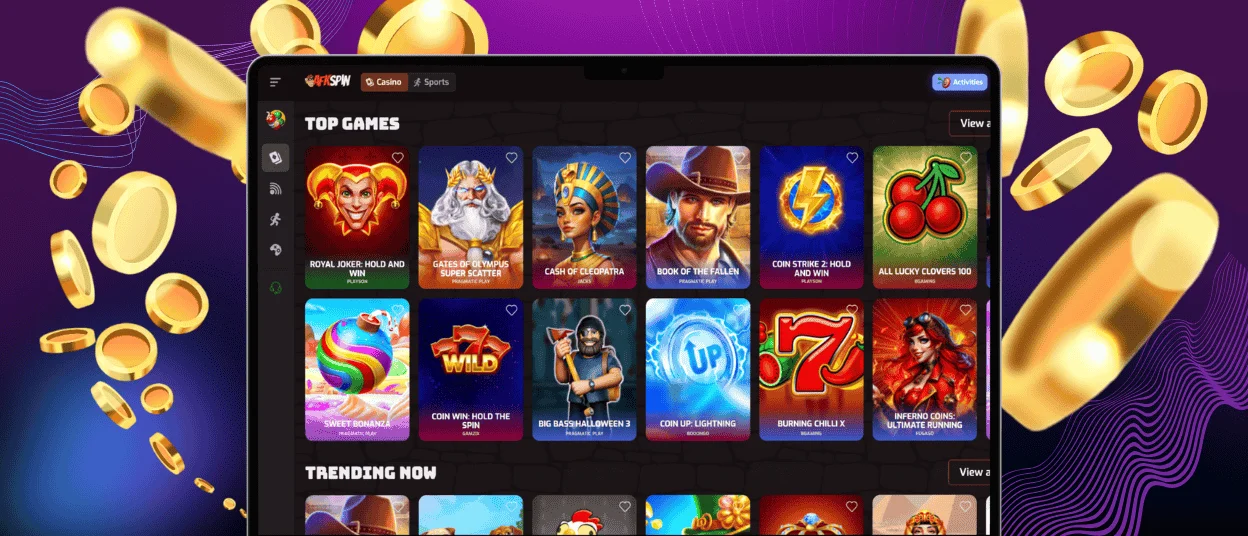
The AFKSpin mobile experience on your Windows or Mac device starts with a Progressive Web App that can be downloaded to enjoy our platform without needing to install a traditional application. The installation process is instant, requires no downloads from external stores, and offers direct access from your taskbar at any time.
To get the app:
- Navigate to the “Casino App” tab at the bottom of the side panel on the home page.
- Once you are redirected to the download page for the AFKSpin app.
- Click “Install” and the application will start downloading immediately.
- The AFKSpin app will be added to your taskbar.
The PWA delivers fast loading times, instant updates and access to live chat support and verification processes directly from your Windows or Mac taskbar. The PWA automatically updates each time you open it, ensuring access to the latest features, bonuses, and gaming experience improvements.
Advantages of AFKSpin Casino App
The AFK Spin app offers several features that give it some clear advantages over standard desktop play:
| Feature | AFKSpin App | AFK Spin Website |
| Instant Access | Access immediately by clicking the app without using a mobile browser | Accessible via any browser on Windows and Mac |
| Performance | Faster loading times and improved mobile-optimized graphics since most of our games support HTML5 | High-quality visuals and stable performance on desktop devices |
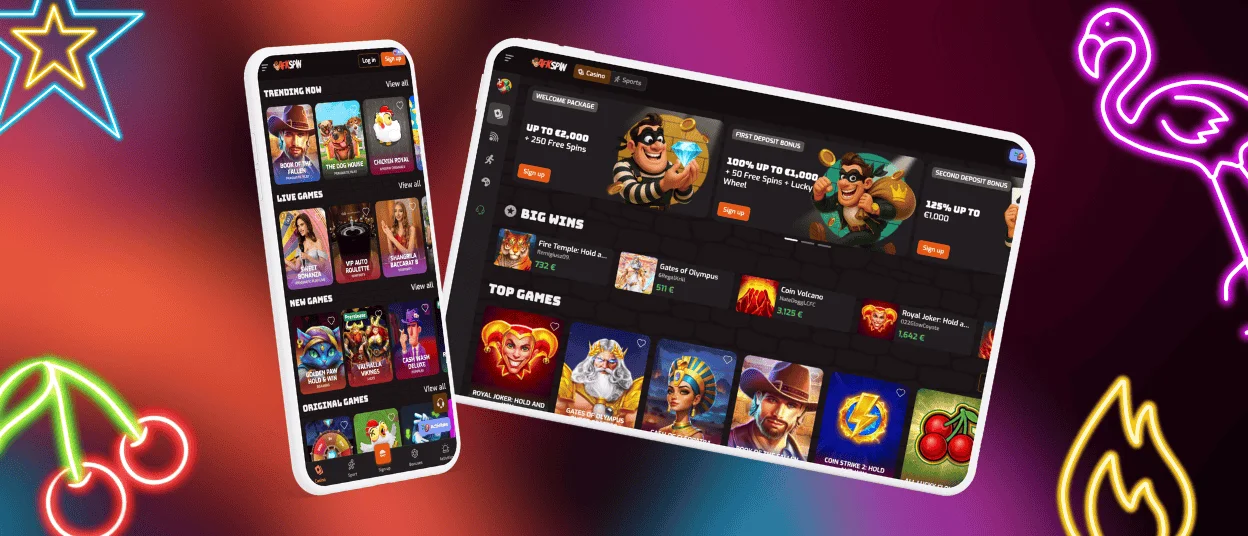
| User Interface | Our app adapts to portrait and landscape modes on phones and tablets. The UI comes with a touch-friendly layout with simplified menus and swipe navigation. | Full-screen interface ideal for multitasking and larger displays |
| Support | Integrated live support right into the app | Live chat and email support are accessible through the site’s Help Center |
| Gaming Experience | Suitable for quick gaming sessions anytime and anywhere, as long as you have a good mobile network connection. | Preferred by users who enjoy long gaming sessions or multiple open tabs |
| Transactions | Full control over deposits, withdrawals, bonuses, and the verification process on the go | Complete account management with extended view and detailed menus |
Both platforms deliver a great and secure gaming experience. However, the AFKSpin app gives players more flexibility to enjoy their favorite online casino games on the go without compromising speed or functionality.
Install the AFKSpin App on your Android Device
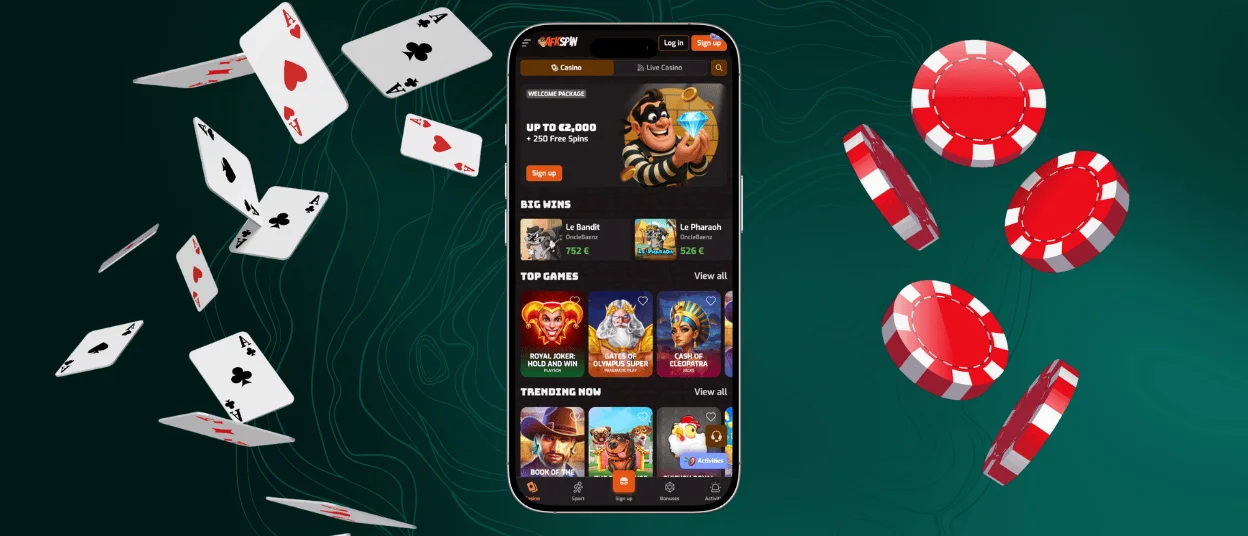
Android users can download the AFK Spin app in a matter of minutes by following these steps:
- Simply navigate to the homepage.
- Click “Casino App” at the bottom.
- Once redirected, select “Install”.
- The AFKSpin PWA app will be automatically added to your home screen.
Players using Android will not be missing out on any features when using the app. All while gaining full access to all the game categories, including slots, table games and the live casino section. You’ll also be able to benefit from promotions, manage your account settings, make deposits and request withdrawals.
AFKSpin iOS Application
Players with iOS devices can also enjoy playing the best online casino games by downloading our PWA app directly from our website. With no need for the App Store, installation is quick and supported across iOS versions.
Download the App for iOS
To get the AFK Spin app on your iOS home screen:
- Open the AFKSpin Casino homepage and scroll to the bottom
- Tap “Casino App”, then confirm by selecting Install
- The AFKSpin app will be instantly added to your home screen for quick access.
Once this process is done, the AFK Spin casino app will show up on your home screen, and you can start enjoying all the features our platform has to offer. Players can manage deposits, participate in tournaments, and play live casino games directly from the app. The app updates automatically, keeping your mobile experience always up to date.
FAQ
Which Mobile Platforms Are Compatible With the AFKSpin Casino App?
The AFKSpin app is fully compatible with all major operating systems, including Android and iOS. Instead of a traditional downloadable app, we offer a Progressive Web App (PWA) format that ensures good performance across all devices. This means you can access the full AFKSpin casino experience once you have downloaded the app from our website.
Do Mobile Players Receive Exclusive Bonuses?
At AFK Spin, we often offer mobile-specific promotions and push notifications for limited-time offers. Players accessing the PWA on mobile can claim these deals easily and stay updated on weekly and seasonal promotions.
Can I Download the App Directly From the Store?
Players can download the app directly from our website. The PWA technology gives players faster and safer access to mobile gaming. Installing the app directly from our website ensures you always have the latest version without manual updates. It also provides additional advantages such as quick access from your home screen, push notifications for bonuses, and lower storage requirements.
Is the App Safe and Secure?
Yes, the PWA is fully secure. It uses SSL encryption for all transactions and personal data, ensuring your information and deposits remain protected while gaming on any mobile device.


